Paste the screenshot
Ctrl/Cmd + V uploads an image to the host and inserts its path. Camera, drag-and-drop, and file attachments use the same flow.
Browser-native AI work control station
Start Codex, Claude Code, Grok Build, OpenCode, Antigravity CLI, Copilot CLI—or all of them—on the machines that hold your repos. MidTerm keeps the work alive and puts control in any browser.
 MidTerm · home workstation ×Project docs ×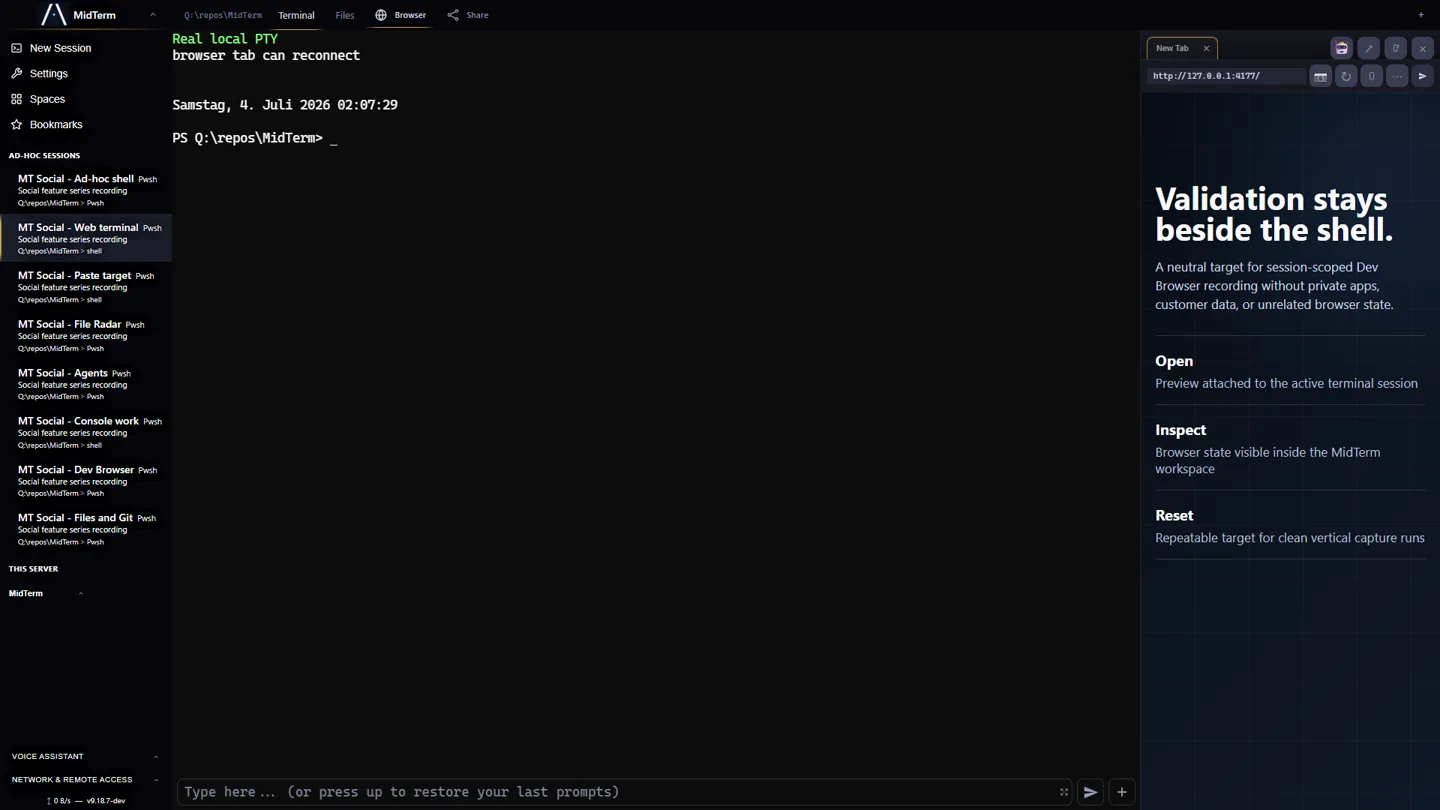
MidTerm is an AGPL-3.0-licensed, self-hosted browser workspace and control station for persistent, terminal-native AI coding agents. Real PTYs on Windows, macOS, and Linux sit beside sessions, files, Git, app previews, per-session input history, and deterministic agent-control APIs over authenticated HTTPS. MidTerm is not an AI model, VPN, cloud sandbox, or remote desktop.
THE MODEL / 02
SSH gives you a connection. MidTerm returns you to the machine’s living context: agents, terminals, files, Git state, notes, logs, and app previews.
Home workstation, office laptop, remote server—each host stays independent. Open them side by side. Close the browser. The work keeps running.
MULTI-HOST / 03
One MidTerm instance exposes one machine. Its repos, credentials, tools, hardware, processes, and network stay there. A browser is simply the movable control surface.
See the multi-host workflow →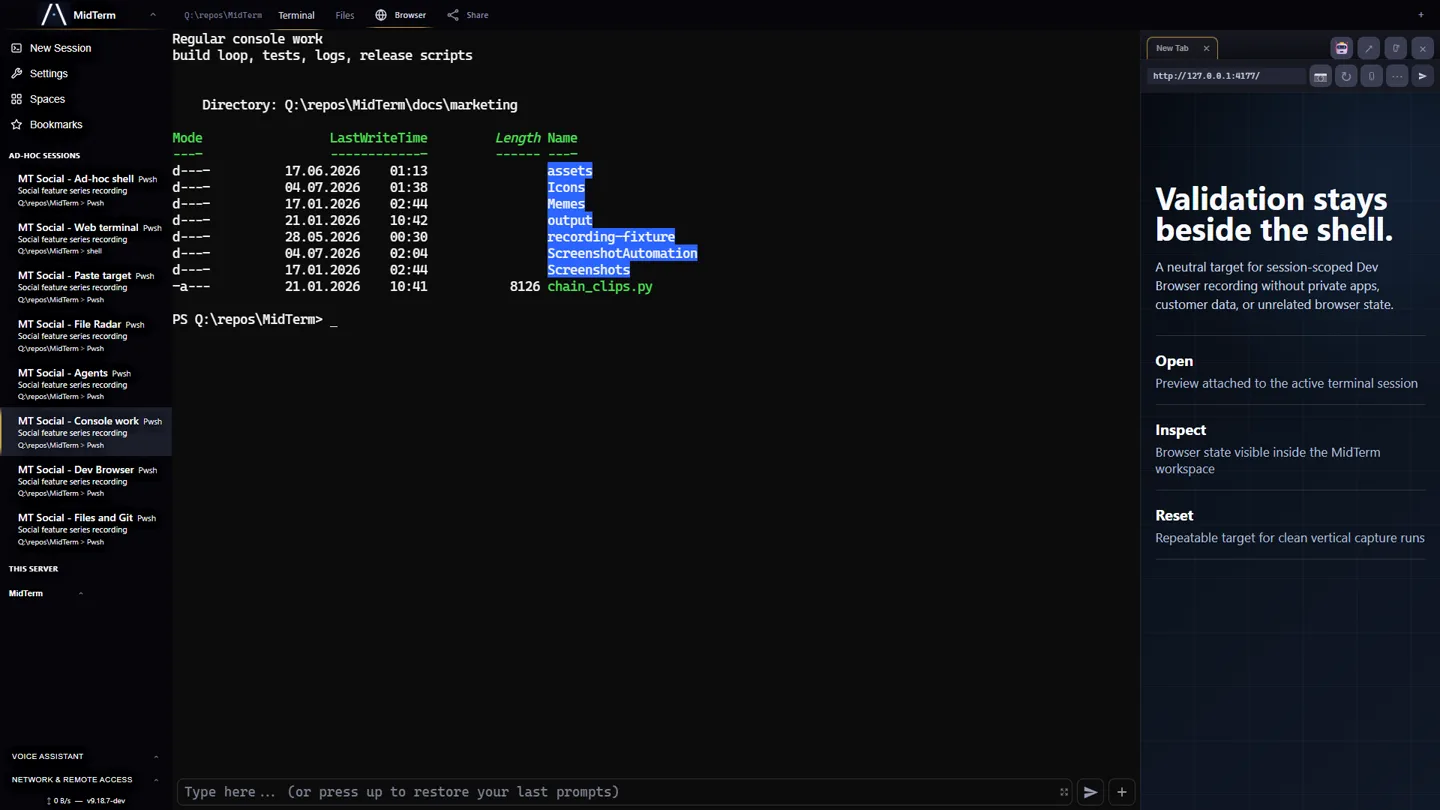
PARALLEL WORK / 04
Split, reorder, bookmark, and revisit independent agent, shell, test, and server sessions. Each keeps its own context. See Claude Code and Codex in one browser →
MidTerm · agent sessions ×Issue tracker ×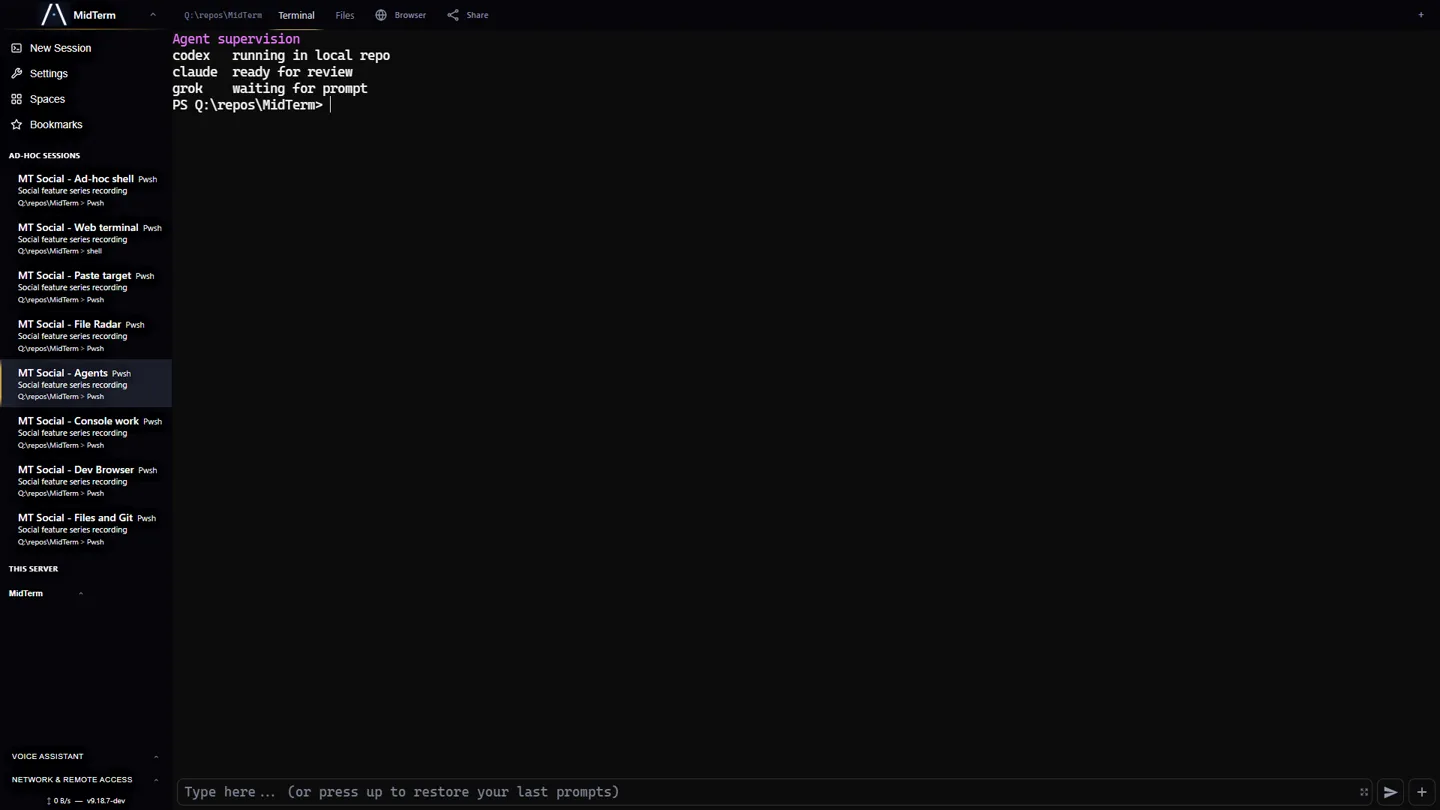
AGENT ERGONOMICS / 05
Ctrl/Cmd + V uploads an image to the host and inserts its path. Camera, drag-and-drop, and file attachments use the same flow.
History is per session: direct Enter-submitted text, multiline prompts, pastes, images, and files remain visible and replayable.
Command Bay gives terminal CLIs multiline prompts, persistent drafts, attachments, scheduled follow-ups, and reusable actions without replacing the PTY.
Open the app the agent is changing. Inspect DOM, responsive layouts, console and proxy logs, then return evidence to the same working session. See the shared browser-testing loop →
See the deterministic agent-control CLI and API →
Explore the complete feature surface →CONTINUITY / 06
Browser connections are transient. Agents, shells, builds, test servers, and their context remain on the host. Reconnect from a desk, laptop, tablet, or phone.
Practical default: place your devices in one Tailscale tailnet—or another WireGuard mesh VPN—and keep MidTerm’s HTTPS and password authentication enabled.
Set up private Tailscale access →INSTALL / 07
The installer configures the service, password-protected HTTPS, and updates. Service mode survives logouts and reboots; user mode needs no administrator access.
Temporary dev channel — currently v9.19.6-dev: stable v9.19.0 was published without platform packages. Until the corrected stable release is promoted, these commands use the verified prerelease channel.
curl -fsSL https://tlbx-ai.github.io/MidTerm/install.sh | bash -s -- --dev
& ([scriptblock]::Create((irm https://tlbx-ai.github.io/MidTerm/install.ps1))) -Dev
Then open https://localhost:2000. Install modes, remote access, and uninstall →
npx @tlbx-ai/midterm --channel devLoopback-only fallback through the same verified dev channel. Use the native installer for persistent or remote operation.