Your exact environment
The agent runs in a real PTY beside the repo, SDKs, databases, devices, and private services already configured on that machine.
REMOTE AGENTS / 01
Run Codex, Claude Code, Grok Build, OpenCode, Antigravity CLI, Copilot CLI, or an ordinary shell where the repos and tools already live. MidTerm keeps each session alive and gives you its control surface in any browser.
LOCAL EXECUTION / 02
This is remote control, not a cloud clone. The process, filesystem, credentials, hardware, and network stay on the host you chose.
The agent runs in a real PTY beside the repo, SDKs, databases, devices, and private services already configured on that machine.
The agent, build, server, and scrollback keep running. Reopen the same session from a laptop, phone, tablet, or another desktop.
MidTerm does not proxy the model or replace its interface. It hosts whatever terminal-native agents and ordinary console programs you install.
Home workstation, office laptop, and server remain separate systems. Adjacent browser tabs make them reachable without pretending they are one computer.
 MidTerm · remote workspace ×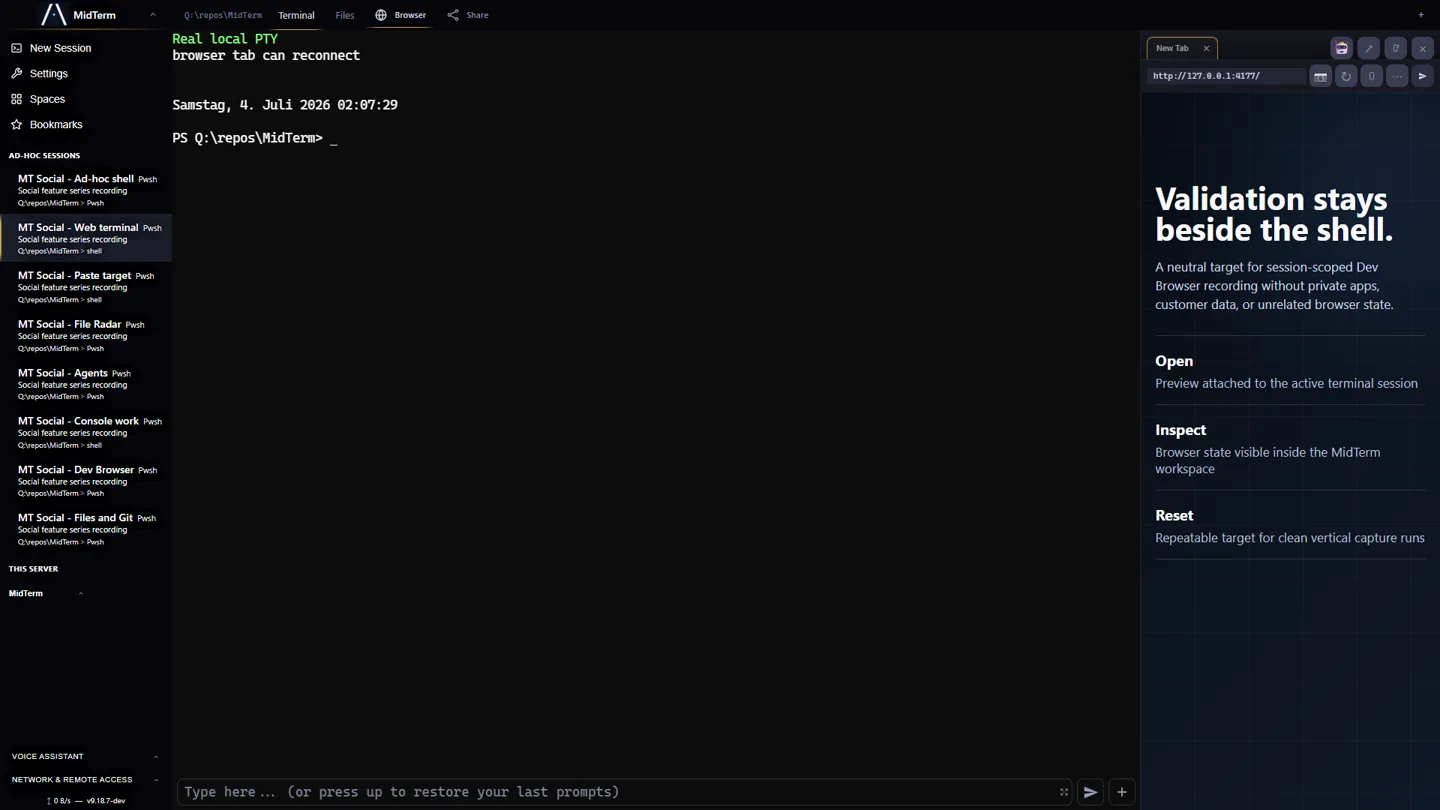
MULTI-HOST / 03
You can be away from every host and still operate each one in its native context. No repo transfer and no remote desktop scene to decode.
| Home workstation | Long-running agents, local models, GPUs, large checkouts, databases, and services continue at home. |
|---|---|
| Office laptop | Its private repo, credentials, company network, and separate MidTerm instance remain at work. |
| Your browser | From a vacation rental, train, sofa, or phone: open both hosts as tabs, inspect the exact sessions, and continue. |
BROWSER CONTROL / 04
SSH is a transport. MidTerm preserves the working surface around the terminal so reconnecting means returning to the work, not rebuilding it.
Named, ordered, split, and bookmarked sessions retain working directory, process state, notes, drafts, attachments, and input history.
Inspect repository state, browse files, download artifacts, and keep the app under construction beside the terminal.
Paste screenshots normally, compose multiline prompts, use camera or files, and recover exact per-session input from the timeline.
Typed helpers and authenticated APIs let agents query sessions, publish status, and operate exact MidTerm surfaces without brittle transcript guessing.
PHONE + TABLET / 05
MidTerm does not collapse the terminal into a limited chat proxy. It makes the same persistent workspace usable when the device in your hand is the only screen available.
Use the terminal itself, its touch controls and special keys, or Command Bay when a long multiline prompt needs room before it is sent.
The mobile layout follows the visual viewport so the focused terminal and composer stay above the on-screen keyboard instead of hiding behind it.
Paste screenshots with the normal shortcut, choose a file, or take a camera image. MidTerm uploads it to the correct host and gives the CLI a usable path.
Open MidTerm in the browser or install it as a PWA where supported. Named sessions, scrollback, drafts, attachments, and input history remain with the host session.
PRIVATE NETWORK / 06
MidTerm provides password-protected HTTPS and authentication. For remote access, the practical default is Tailscale—or another private WireGuard mesh—between the host and the device carrying your browser. There is no mandatory MidTerm relay.
Set up and verify private Tailscale access →
Read the real two-host field guide and tool comparison →